Classroom Wi-Fi down? Bring the connection back.
Unstable connectivity disrupts lessons, testing and daily school operations. Troubleshooting starts with where the failure happens and who is affected.
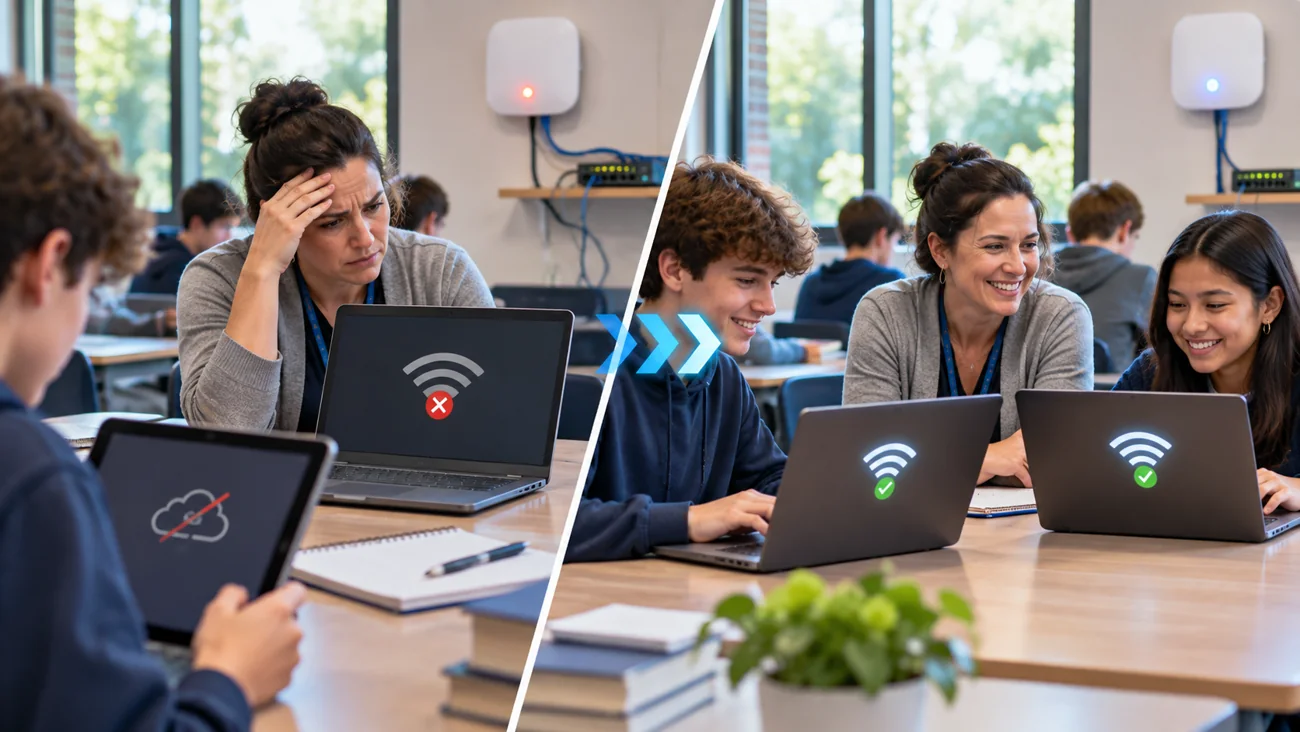
Does this happen at your school?
A classroom cannot connect to the internet, Chromebooks keep dropping Wi-Fi, or a staff device loses access when moving between rooms.
You do not need to know the technical cause before reaching out. A short description and the correct device details are enough to start an assessment.
Common issues ITCAD can assess
- No internet in one classroom or an entire building
- Weak coverage and intermittent Wi-Fi connections
- Access point and wireless network problems
- Student or staff devices failing to join approved networks
- Slow connections during lessons or online testing
- Connectivity to printers, displays and classroom equipment
From problem to next step
Every school situation is different. This is how I would evaluate your request and determine an appropriate response.
- 1
Identify affected rooms, devices and time of failure.
- 2
Check whether the issue is wireless, local network, internet service or device-specific.
- 3
Review available configuration and diagnostics with authorized school personnel.
- 4
Coordinate on-site testing if remote assessment is insufficient.
- 5
Document findings, changes and next steps through ITCAD.
Fewer unknowns, a clearer root-cause assessment and an actionable path to restore reliable access.
Describe what is happening.
Useful details for the ticket: School location, affected classrooms, approximate device count, network/error messages and whether other rooms are online.
ITCAD provides online ticket intake and a record of communication. Repair scope, schedule, parts and costs are discussed and authorized before work begins.