Teacher laptop failing? Reduce classroom downtime.
When a teacher’s computer stops working, lesson plans, presentations and access to resources can be disrupted. Focus on restoring productivity safely.
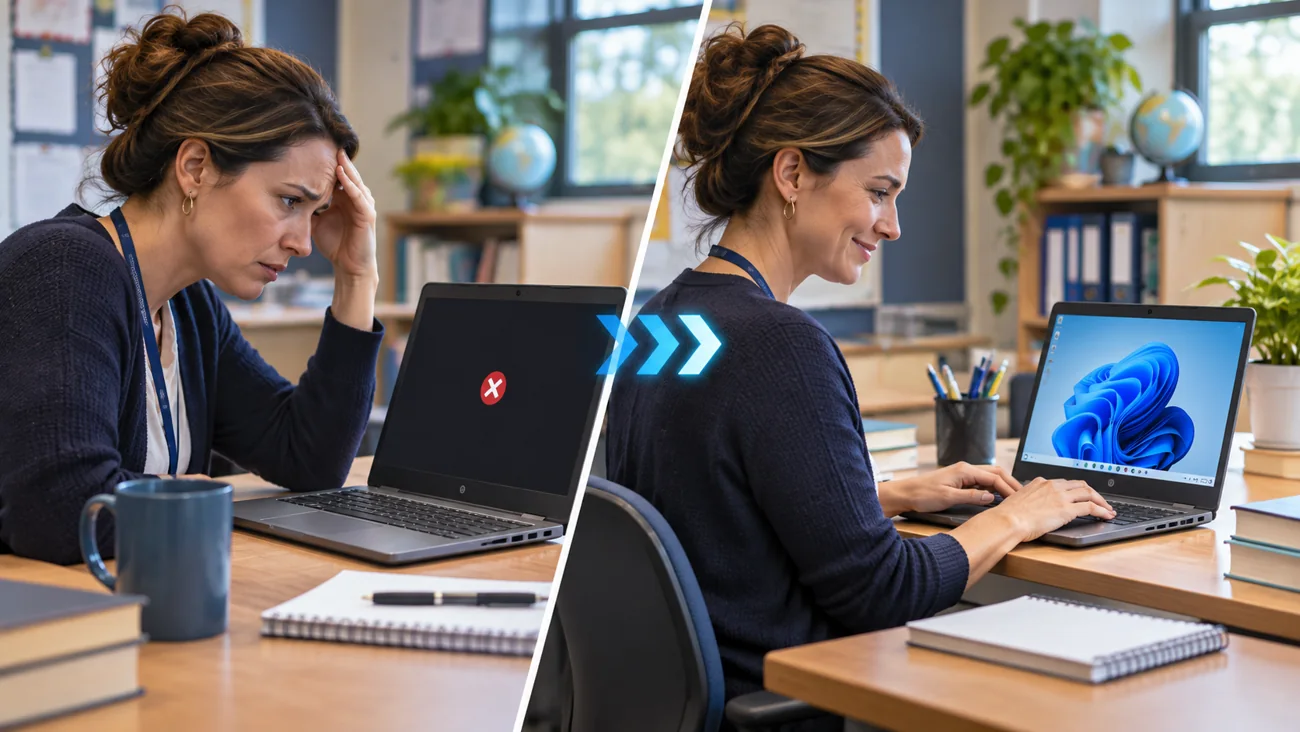
Does this happen at your school?
A teacher arrives to find a laptop stuck on startup, too slow to run lessons or unable to access essential applications.
You do not need to know the technical cause before reaching out. A short description and the correct device details are enough to start an assessment.
Common issues ITCAD can assess
- Startup errors and slow performance
- Windows and macOS troubleshooting
- Software installations, updates and driver problems
- Keyboard, display, storage and peripheral issues
- School account login and application access difficulties
- Workstation setup and device replacement preparation
From problem to next step
Every school situation is different. This is how I would evaluate your request and determine an appropriate response.
- 1
Review the symptoms and any sensitive data considerations.
- 2
Check whether a safe remote session can resolve the issue.
- 3
Identify hardware diagnostics or parts that may be required.
- 4
Coordinate work with school policies and obtain authorization before changes.
- 5
Document the work and recommended follow-up in ITCAD.
A supported teacher with a clear repair or recovery path, reducing instructional interruption.
Describe what is happening.
Useful details for the ticket: Device model, operating system, screenshots of errors, urgency and whether remote access is permitted by the school.
ITCAD provides online ticket intake and a record of communication. Repair scope, schedule, parts and costs are discussed and authorized before work begins.